
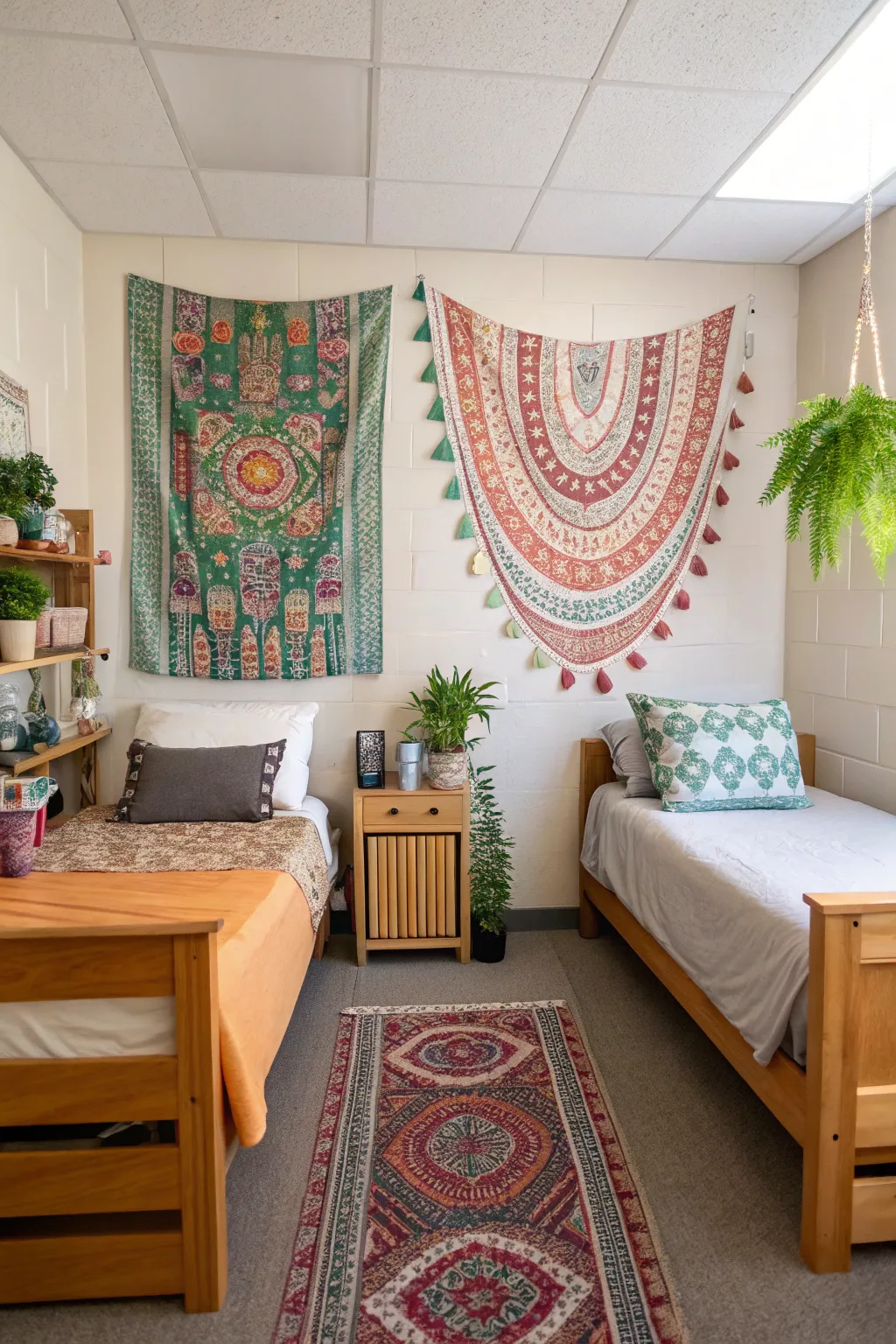
Transforming a shared dorm room can be an exciting project, especially with limited space. By using a bit of ingenuity, you can turn your college living area into a comfortable and practical retreat.
Elevated Beds to Maximize Floor Area

Raising the beds is a clever move to free up valuable floor space. In my experience, this creates room for a snug seating area or extra storage beneath.
Balanced Layout for a Peaceful Feel

Arranging beds, desks, and storage in a symmetrical way can give a sense of balance and harmony. This layout is especially good for keeping a calm atmosphere. You can enhance this aesthetic by choosing modern dorm nightstand designs that complement your furniture arrangement.
Seating with Built-In Storage

Choose benches or ottomans with hidden storage to keep the room tidy. These items are practical for both seating and hiding clutter. Having a foot rest can be very helpful when trying to stay focused. Check out our creative dorm storage ideas to maximize your small space.
Storage Solutions Under the Bed

Using under-bed storage containers is a game-changer for keeping your dorm tidy. I always suggest this to maximize space without losing style. It’s a simple way to stay organized while incorporating fresh dorm designs into your room.
Creating a Welcoming Atmosphere

Adding soft rugs and gentle lighting can turn a dorm room into a cozy getaway. These elements greatly enhance comfort and style, so follow our creative dorm room styling tips to achieve a personalized look.
Taking Advantage of Sunlight

Place desks and seating near windows to take full advantage of natural light. This not only improves mood but also enhances the room’s ambiance. Natural light can transform any space into a cozy retreat.
Using Color to Separate Areas

Use different color schemes on each side of the room to subtly separate personal spaces. This adds individuality and cohesion. Add plants in order to create a fresh contrast.
Clever Use of Wall Space

Use wall-mounted shelves and hooks to keep things off the floor and easy to reach. This keeps the room tidy and visually clear. The more floor space you have clear the bigger the room feels. Check out these chic dorm design ideas to further transform your space.
Using Mirrors to Open Up Space

Mirrors can make a space seem larger and reflect light beautifully. I often use them strategically to enhance the room’s depth and brightness. They can also be a feature in a room.
Saving Space with Bunk Beds

Bunk beds are a tried-and-true solution for small spaces, freeing up floor space for other purposes. This setup works best when you need to focus on shared living areas. Think about the design of the bunk bed to make it a feature in the space. You can even explore modern bunk beds that accommodate queen mattresses to maximize comfort in compact rooms.
Creating a Shared Study Area

Set aside a corner of the room as a shared study spot with a large desk or two smaller ones. This setup encourages teamwork and makes studying more fun. It is also a great way to share ideas. If you want to make the rest of your room feel just as inviting, check out these inspiring dorm couch looks to refresh your space.
Decorate to Show Your Personality

Encourage each roommate to decorate their side of the room to reflect their style. This not only makes the space feel more personal but also adds visual appeal. It helps make the space feel more like home. Explore our trendy teenage room ideas to find inspiration for your unique setup.